Free 4K Video Upscaler — Upscale to 1080p & 4K
The 4K Video Upscaler enhances your footage to crisp 1080p or native 4K. It preserves fine generative detail while removing artifacts and noise, delivering a flawless high-resolution result right in your browser — free and with no watermark.
Try the 4K Video Upscaler — free, no watermark
Drop your video here or click to upload
MP4, MOV or WebM — free, no watermark. Your file stays private.
100% free to try. Files are processed privately and removed automatically.
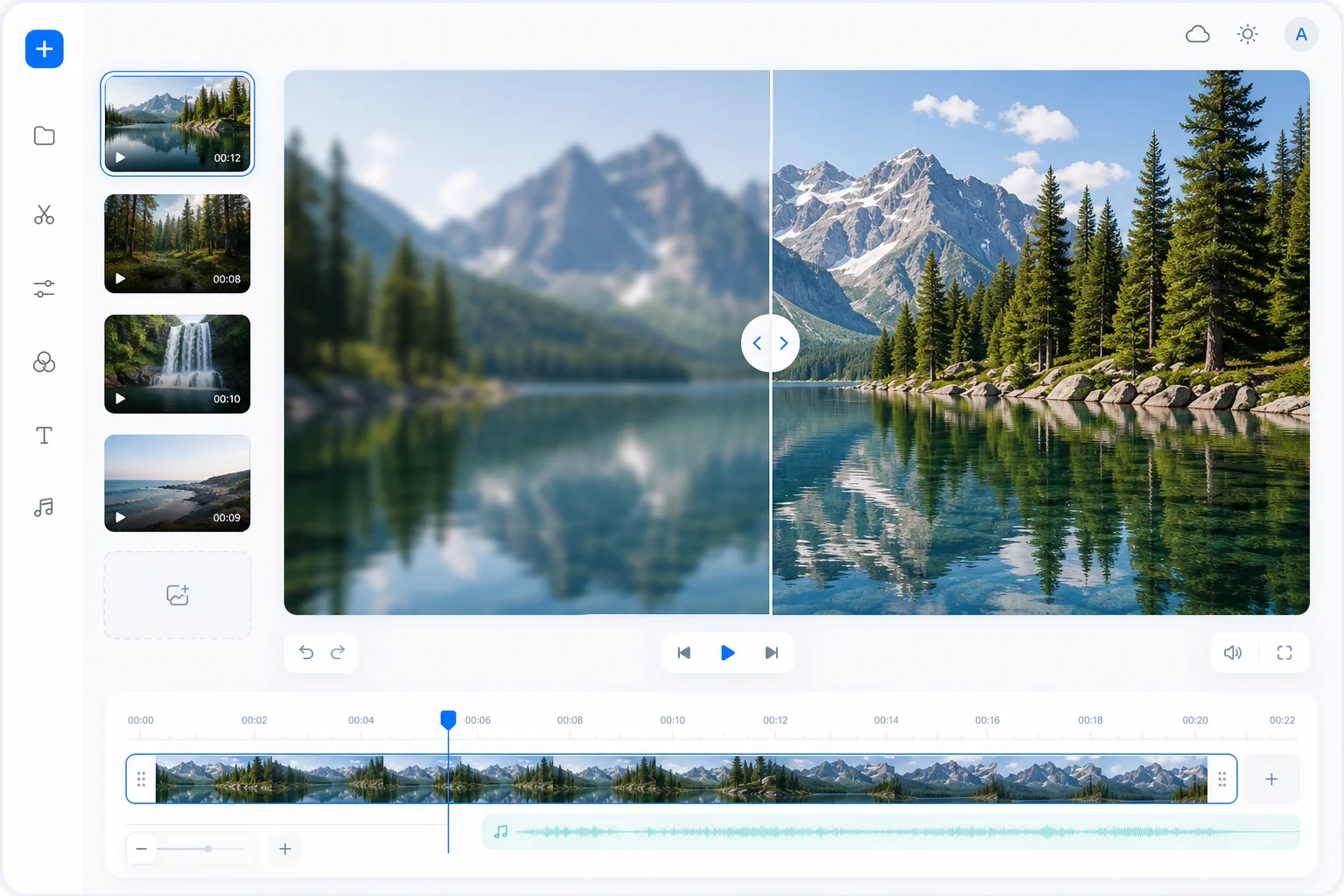
See the 4K Video Upscaler difference
Before and after upscaling video to stunning 4K.
Original output
AI upscaled to 4K
How to upscale video in 3 steps
Three simple steps to sharper, higher-resolution video.
Upload your video
Drag and drop the clip you want to upscale — everything runs right in your browser.
Choose 1080p or 4K
Pick your target resolution and an AI preset tuned for clean, natural detail.
Preview and download
Preview the upscaled result, then process and download your enhanced video.
Why upscale with the 4K Video Upscaler?
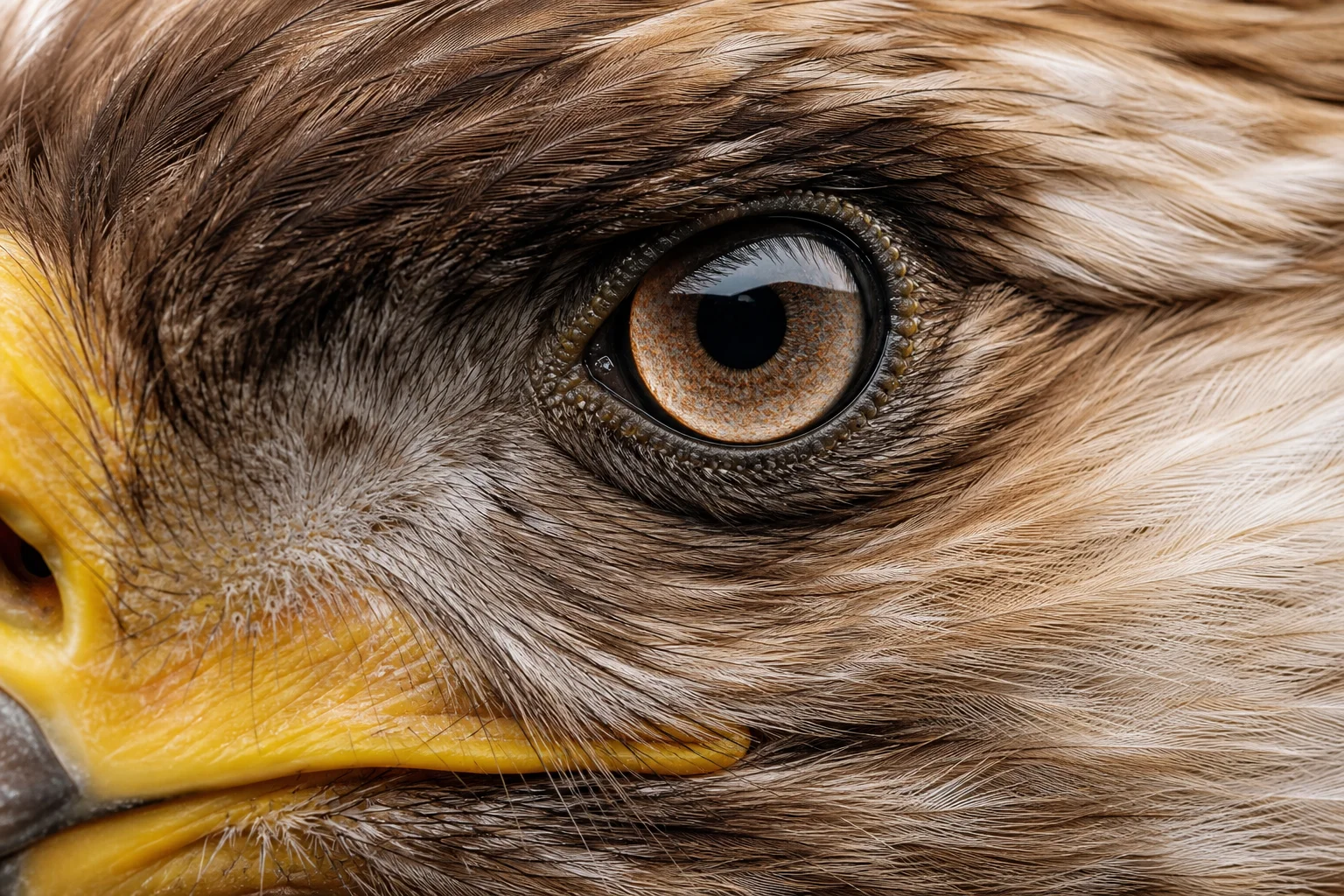
Detail-aware sharpening
Recover fine detail and sharpen every frame without over-processing or halos.
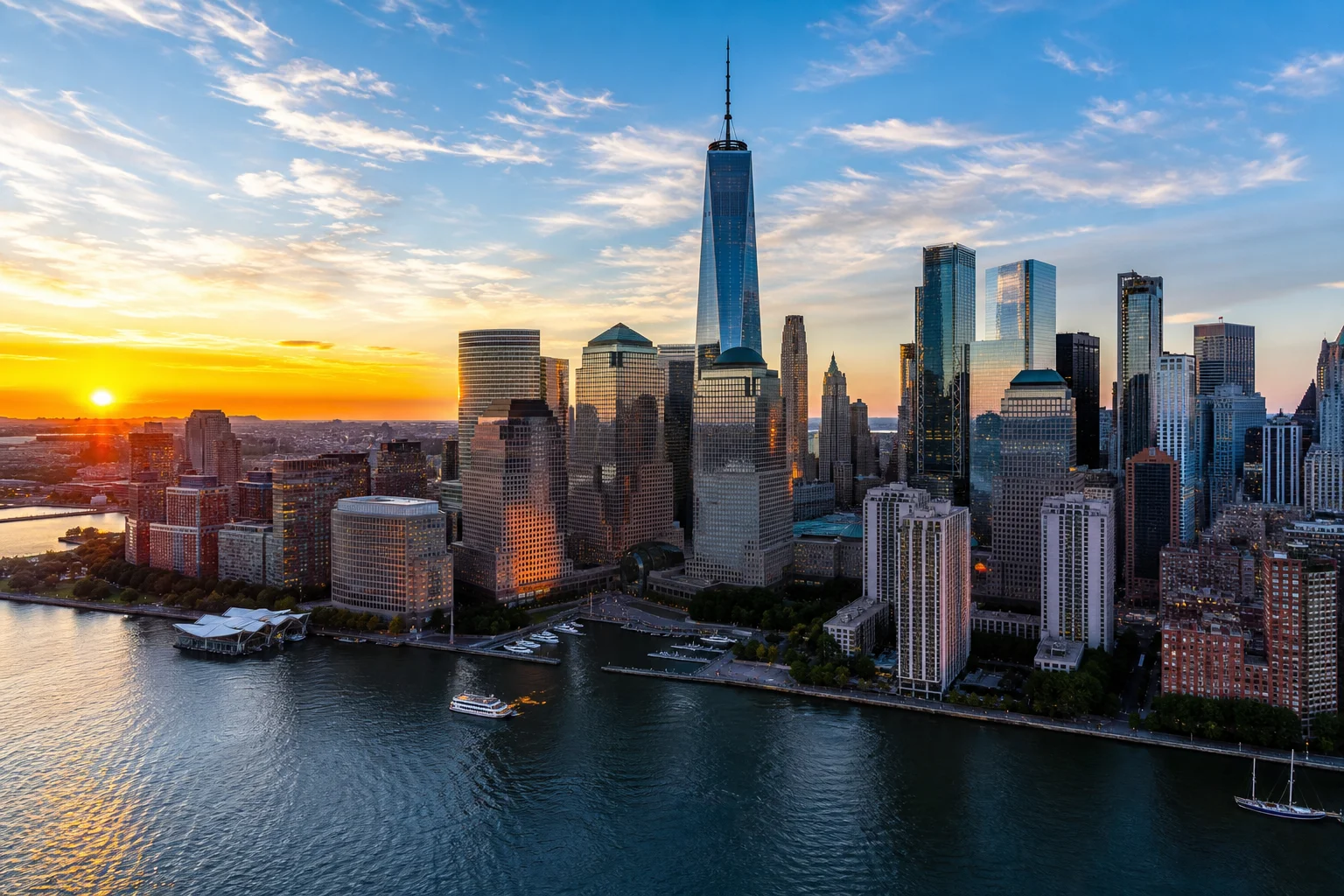
1080p & 4K output
Upscale to 1080p or 4K to match your workflow for YouTube, socials, or archives.
Live preview
See exactly how your enhanced video will look before you process and download it.
Explore more video upscalers
Pick the upscaler tuned for your source model or resolution.
Sora 2 Video Upscaler
Enhance any footage to crisp 1080p and 4K resolution.
Veo 3 Video Upscaler
Enhance any footage to crisp 1080p and 4K resolution.
Kling Video Upscaler
Enhance any footage to crisp 1080p and 4K resolution.
Seedance Video Upscaler
Enhance any footage to crisp 1080p and 4K resolution.
Runway Video Upscaler
Enhance any footage to crisp 1080p and 4K resolution.
4K Video Upscaler
Enhance any footage to crisp 1080p and 4K resolution.
1080p Video Upscaler
Enhance any footage to crisp 1080p and 4K resolution.
New to upscaling? Learn what an AI video upscaler is and how it works.
Have any questions?
An AI video upscaler uses machine learning to increase a video's resolution while reconstructing detail, so footage looks sharper at 1080p or 4K instead of just stretched and blurry.
Upload your clip, choose 1080p or 4K, and the AI processes and enhances the footage — then preview and download the result right in your browser.
Yes. The tool is free to use, runs in your browser, and adds no watermark to your upscaled videos.
Almost any format works, including MP4, MOV, and WebM — from old recordings and compressed social clips to AI-generated video from tools like Sora, Kling, Veo, and Runway.